Amazon Coupons vs Promo Codes: How to Stack Real Savings
Affiliate disclosure: As an Amazon Associate, ClickandSave.info earns from qualifying purchases. Prices and offers can change.
Shoppers often treat Amazon coupons and promo codes as the same thing. They both cut the price — but they work in different places, follow different rules, and do not always combine.
This guide breaks down the differences so you can stack discounts when Amazon allows it, and avoid dead codes when it does not.
Quick comparison
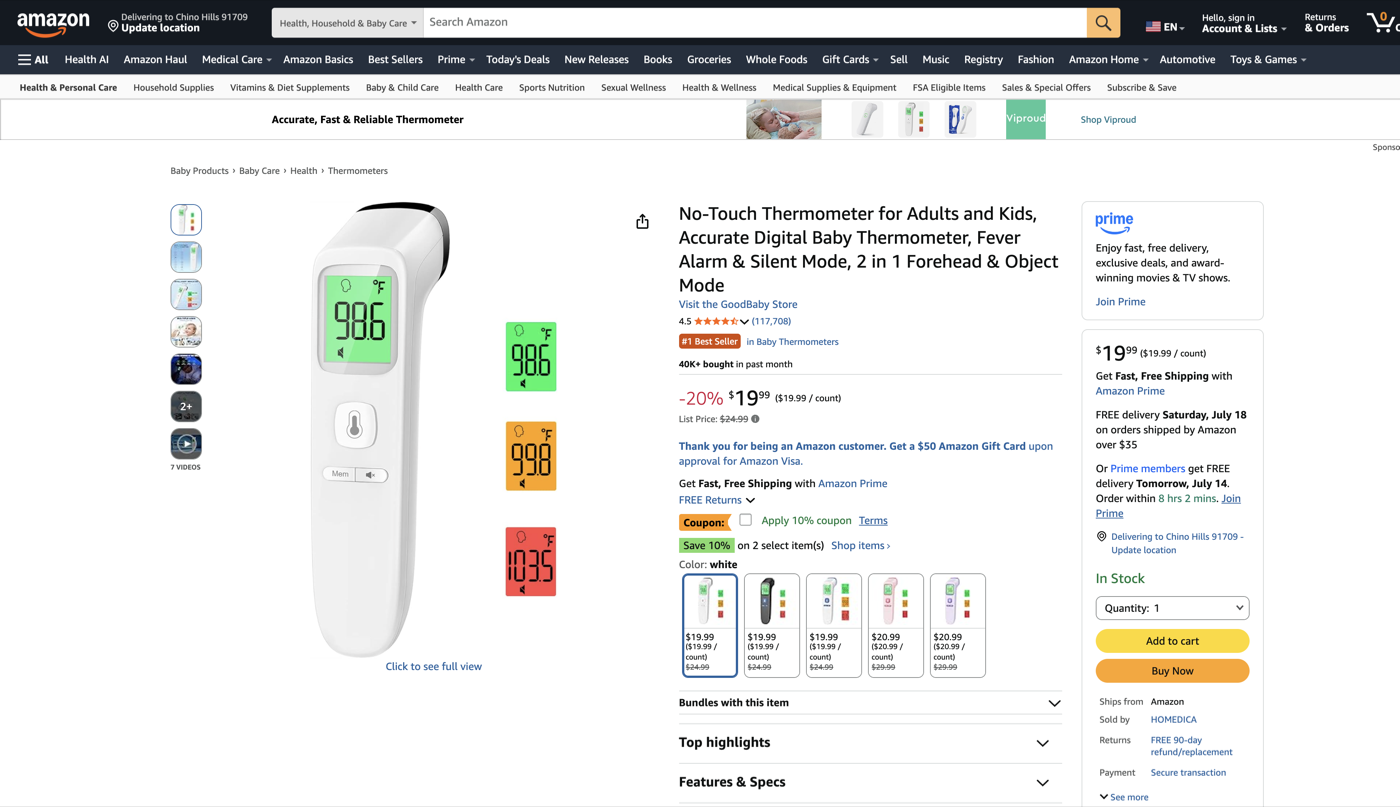
- Amazon coupons — digital offers on a listing. You clip or check a box before checkout; the discount usually appears automatically in the cart.
- Promo codes — letter/number strings you paste into the "Apply coupon or gift card" / promo field at checkout (or sometimes on the product page).
Where to find each one
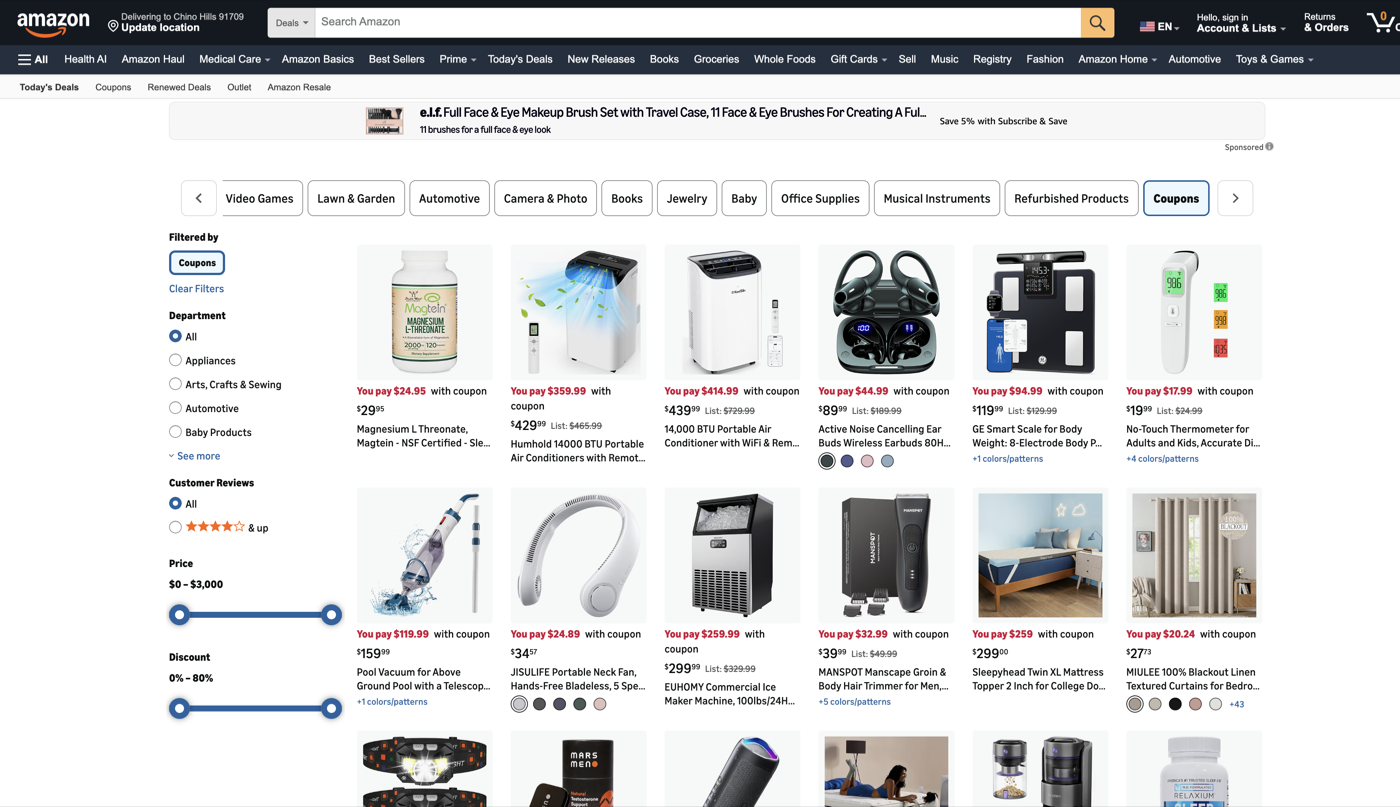
Coupons: on product pages (often green or orange "coupon" text), and on the Coupons hub under Today's Deals. On mobile: Menu → Deals & Savings → Today's Deals → Coupons.
Promo codes: brand emails, social posts, deal sites like ClickandSave, and occasionally on the listing itself.
Can you stack a coupon and a promo code?
Sometimes. If the seller allows both, clip the coupon first, then enter the promo code at checkout. You should see two discount lines on the order summary. If stacking is blocked, Amazon usually keeps the better single discount and drops the other.
Lightning Deals and Subscribe & Save follow their own rules: a coupon can sometimes apply after a deal price, but seller limits and "best discount" logic still win.
Practical stacking examples
Example A: $49.99 item + $10 coupon + 20% promo → clip to $39.99, then 20% off that price at checkout if allowed.
Example B: Lightning Deal drops an item to $29.99, then a $5 coupon clips on top when the seller permits it.
Watch the fine print
- Expiration and quantity limits (often one redemption per account)
- Category exclusions (gift cards, some digital/luxury items)
- Seller stacking restrictions that silently cancel one discount
Tip: Keep ClickandSave open for verified promo codes, then confirm the coupon checkbox on Amazon before you hit place order.